
Which image resolution – 72 dpi or 300 dpi?

Which image resolution? 72 dpi /ppi, or 300 ppi / dpi?
I feel that as modern photographers who shoot with digital cameras, there are a few basics which we absolutely need to know and understand. Some concepts that are so intrinsic to the digital format, that we have no excuse not to grasp them. One of these things would be the resolution of images - the image size. Not in kilobytes or megabytes (since this is rooted in a more archaic form where images were scanned) - but image resolution as in pixel dimensions. Megapixel size. That kind of thing. The confudled question often then Read more inside...Basic photo retouching

Basic photo retouching
I do like the concept of 'getting it right in camera', but I am nowhere near being a purist about it. Before posting images online and in my wedding and portrait blog, I do some skin retouching and basic cleaning up. Before posting images for clients in a Facebook album, I also do some basic retouching. Mild skin retouching, and then cleaning up extraneous things that distract. Just a general sweetening of the photo. Nothing too labor intensive. Most photographs can benefit from some thought about how to clean it up a bit to give it even more impact by removing Read more inside...Studio portraits of children – Lighting and textures

Studio portraits of children - Lighting and textures
Going towards the brighter, less moody way of lighting children's portraits, as shown here - dramatic portraits of kids - I went with the parents' request with how they wanted this 3 year old's portraits to look like. I therefore lit it differently, but still with (mostly) just a single light source. For my own portfolio, I added a texture to the background. More about the lighting and post-processing in a moment ... The family stopped by the studio on their way to Chuck E Cheese's for this kid's 3rd birthday party. So there was Read more inside...Pixel peeping
Pixel peeping
Pixel peeping is that derogatory phrase used to describe photographers who scrutinize photos at 100% resolution to see any flaws there might be. The idea is that if you do that, you lose sight of the artistic nature of photography. You might become stuck on what is in many ways, an irrelevant part of photography - technical perfection. I do love sharp images. Being capable of consistently delivering crisp images, are important to me as a photographer. The skills matter. At some point these skills should become second nature. Yet, the impact a photograph has, Read more inside...Photoshop: Adding texture layers to photos

Photoshop: Adding texture layers to photos
Adding a texture layer to an image is a relatively easy way to enhance an image where there are large tonal areas that are even. That bit of texture can just be the bit of sweetening to make the photo more eye-catching. Of course, the way the texture layer is added, can be subtle or very noticeable. Your choice. I felt this dramatic photo of Claudia, taken in the studio, could use an extra bit of juice. There are different ways of doing this. Again, your choice. Here is how I (sometimes) add textures to photos: Read more inside...Using a gridded stripbox as the main light
Using a gridded stripbox as the main light
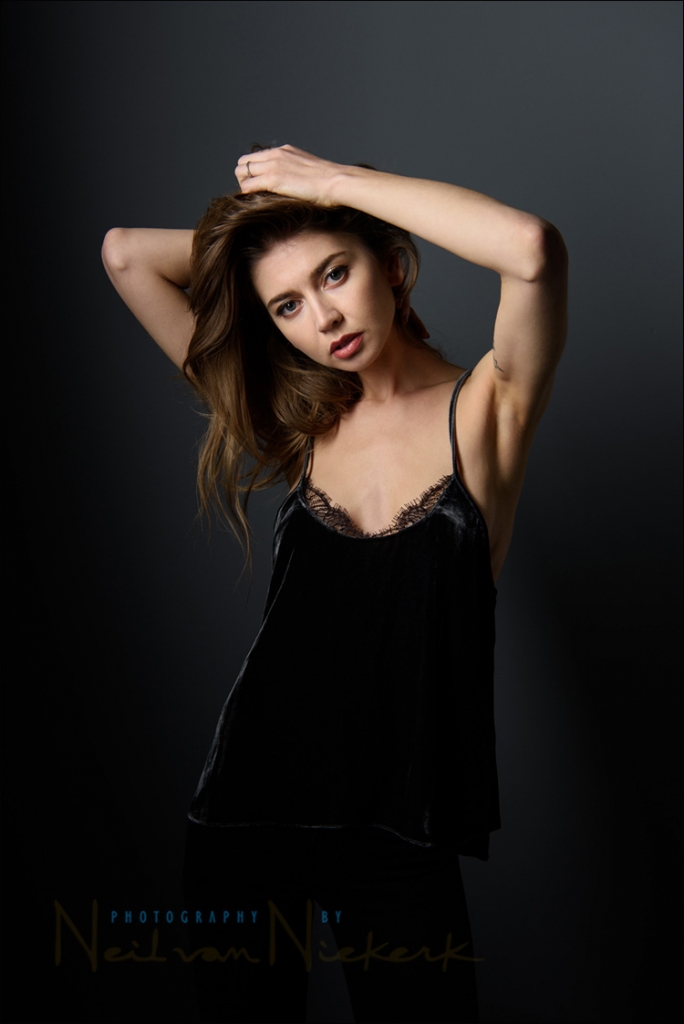
As I show in the video clip how to use gridded strip boxes as the main light, I love how I can flexibly shape the light falling on and around my subject. Specifically in the studio, I mostly use the large gridded Profoto 1’x6 strip-box (B&H / Amazon). It is simultaneously capable of dramatic light and soft light. Or an interesting combination of that. More than that, I can vary the interplay between light and shade, by how I swing the softbox around, or rotate it. I often do this while shooting so that I continuously Read more inside...Flash photography: applying the Sunny 16 Rule & Flash Guide Number
Flash photography: applying the Sunny 16 Rule & Flash Guide Number
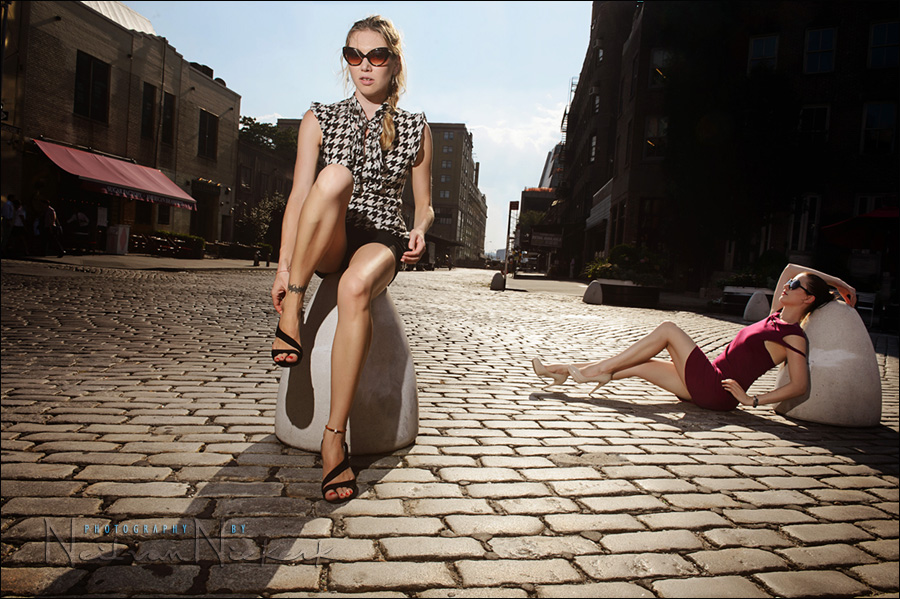
In essence, if you know the GN of your flash, then you could use (bare) off-camera flash to match the sunlight, without even metering! There is a super-useful shortcut built into those two simple values: Sunny 16, and the Guide Number. Now, I am pretty sure that when you hear mention of the Guide Number of a flash, you're most likely switching off already, thinking that it is just an arcane list of numbers - different apertures against different power settings. But hang in there - this is very useful stuff Read more inside...Photoshop tutorial: Create a Photoshop action to add texture overlays
Photoshop tutorial: Create a Photoshop action to add texture overlays
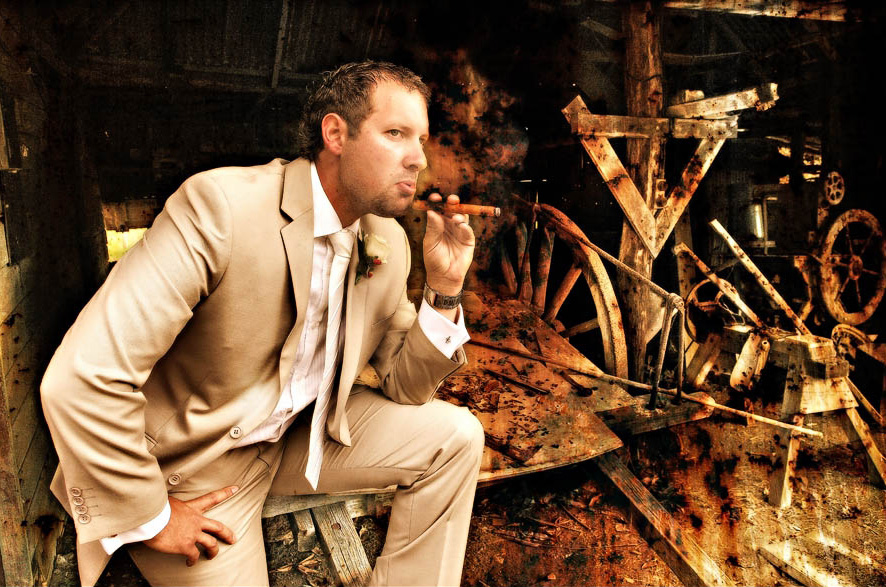
guest post by Adrian, at Five Star Studios wedding photographer, Mackay, Queensland in Australia Neil’s post on applying a texture to the background, made me think of the things I do to give photos ‘that special look’ and when I told Neil about it, he kindly invited me to write an article on this topic - adding texture layers to photos. This can be easily applied via an action, outlined step by step further down. The post by Neil was a texture ‘replacement’ background as opposed to laying a texture Read more inside...Full-frame vs Crop-sensor comparison : Depth-of-field & perspective
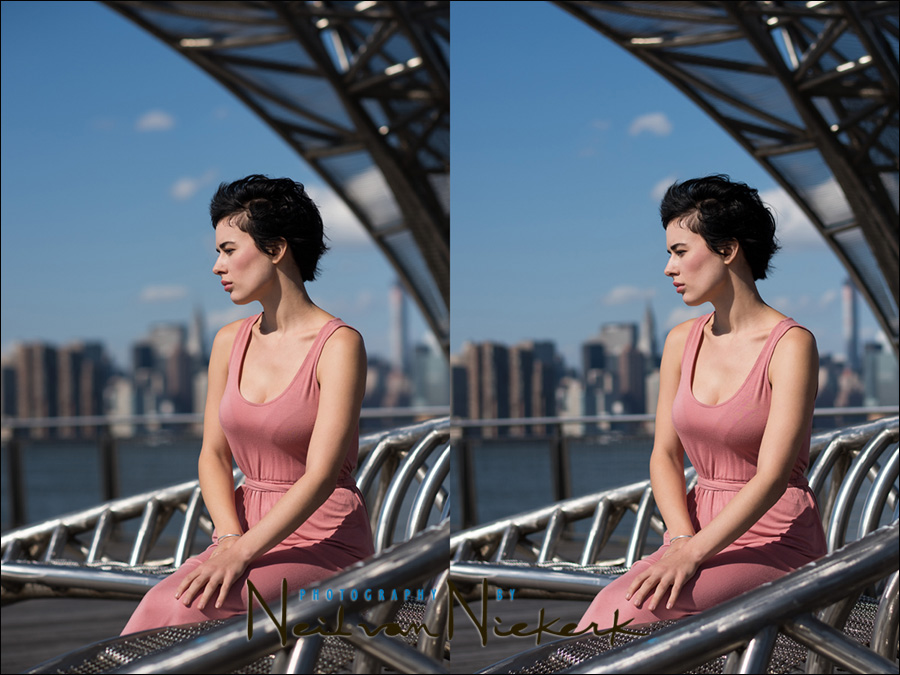
Full-frame vs Crop-sensor comparison : Depth-of-field & Perspective
When the differences between full-frame and crop-sensor cameras are discussed, there is an inevitable question about whether the crop sensor multiplies the focal length. Whether a 50mm lens on a crop-sensor acts like a 75mm lens (on a 1.5x crop sensor) or 80mm lens (on a 1.6x crop sensor). The answers given on the photography forums are confusing - yes, the focal length effectively increases. No, it doesn't. Two answers that are polar opposites. The discussion (which tend to devolve into arguments) are Read more inside...- 1
- 2
- 3
- …
- 6
- Next Page »